 SlowriseGet SlowriseSlowriseGet Slowrise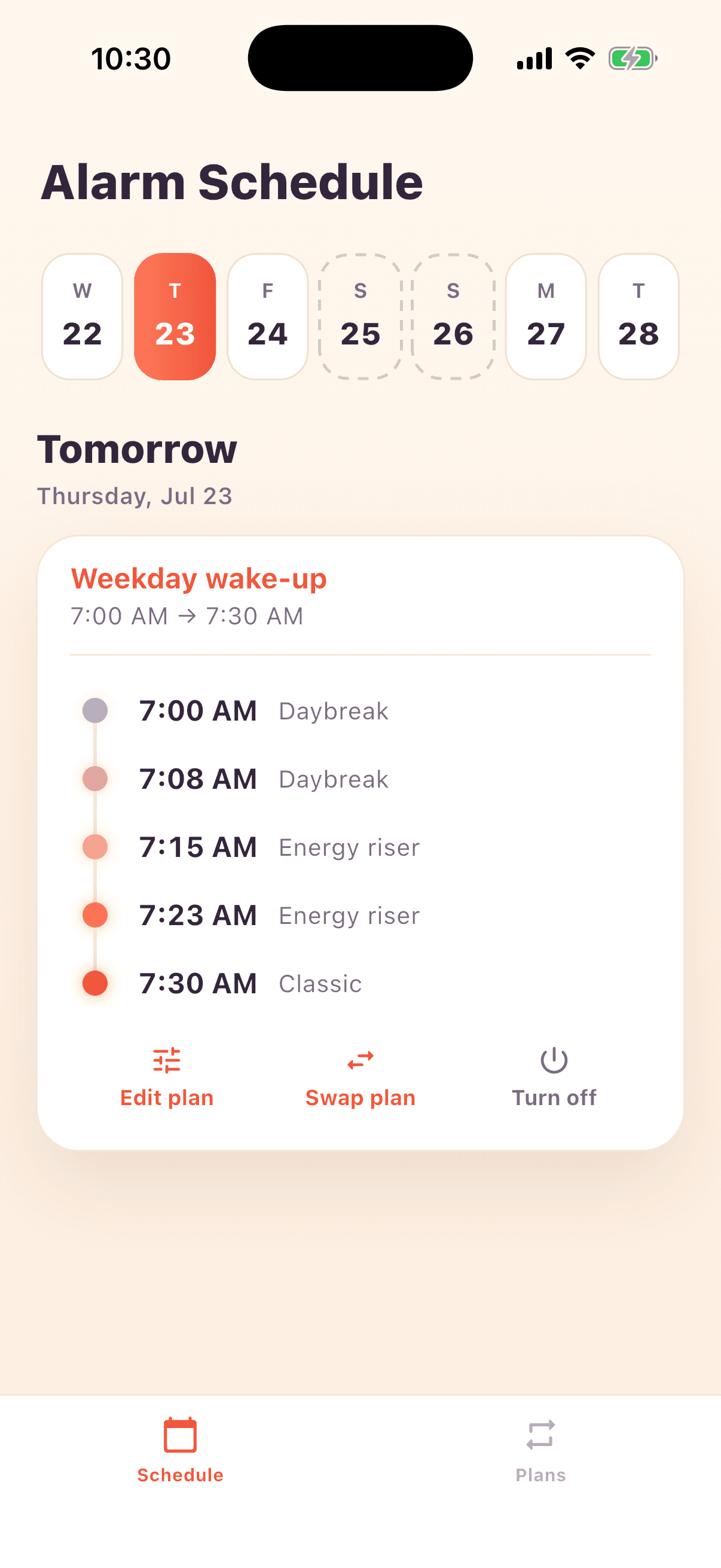
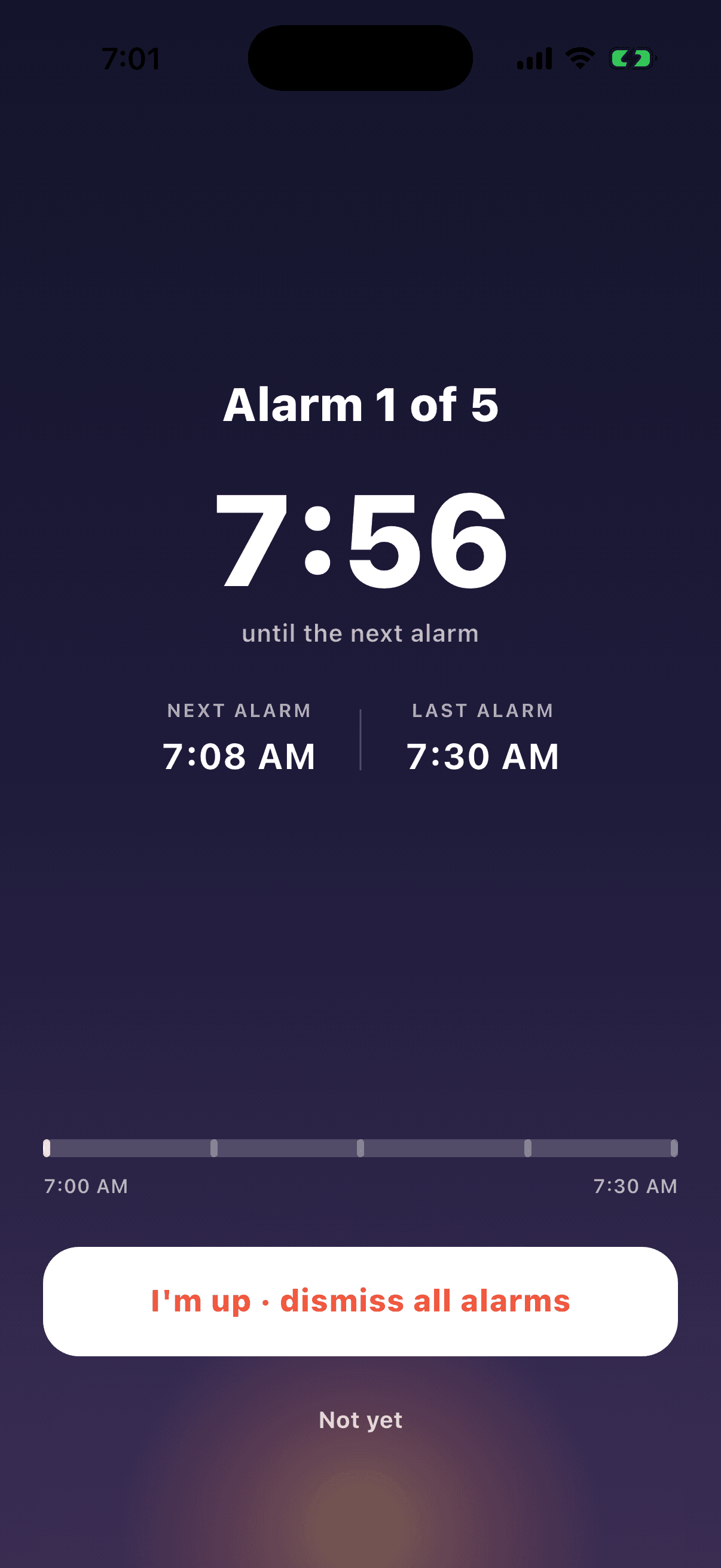
The snooze spiral
After a snooze, they all start blurring together. Slowrise solves for this and lets you enjoy your snooze.
How it works
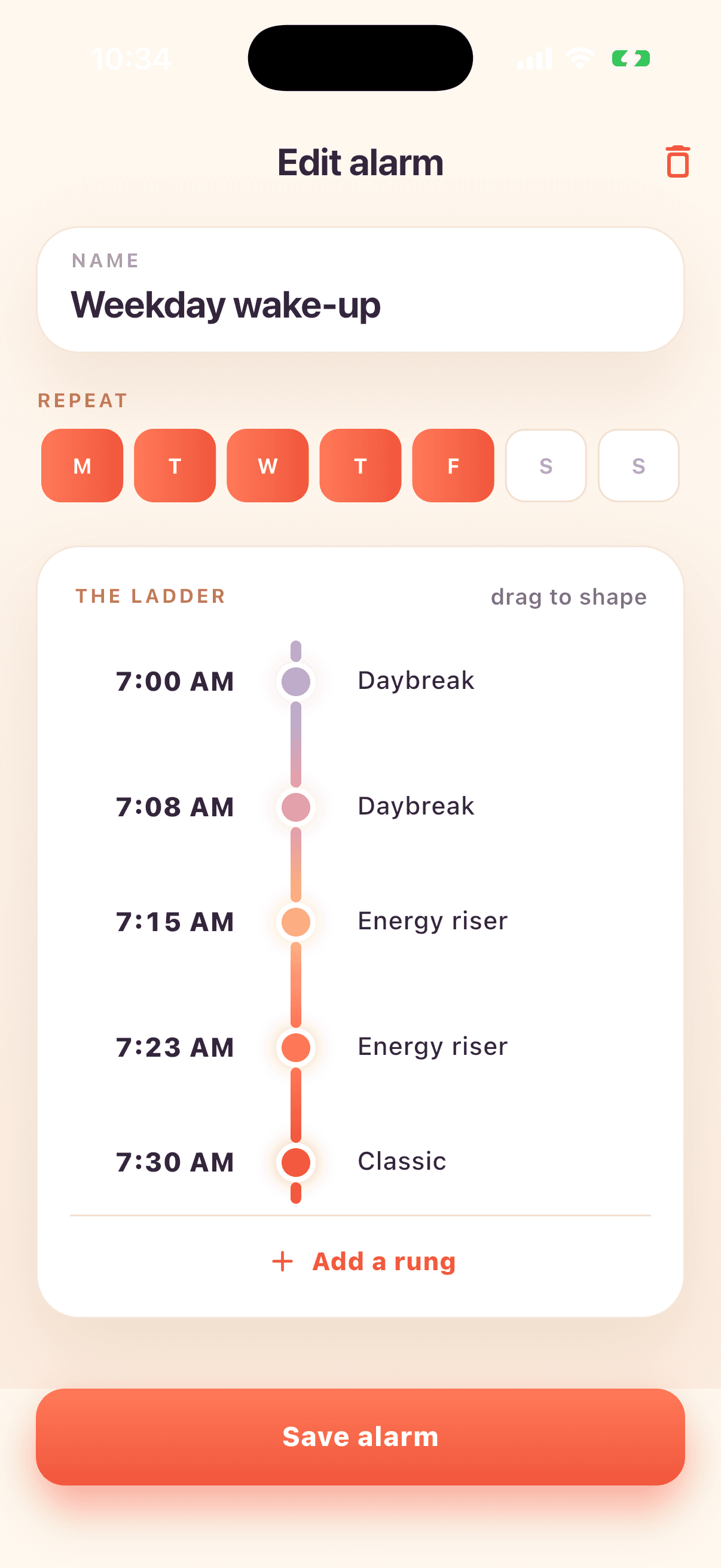
Your first alarm, and your last alarm. That’s the whole setup — Slowrise fills in everything between them.
Slowrise fills the window with alarms that ramp from easy-snooze to no-snooze. Change any rung by hand if you like.
Forgiving at 7:00. Immovable by 7:30. You choose how much runway you get.
One tap to plan a week
Set a wake-up once and assign it to the days you want. Slowrise spaces the rungs and ramps the firmness for you — weekdays sharp, weekends soft.
Built on AlarmKit
Slowrise rings even when your phone is muted or on Do Not Disturb — the way an alarm actually should. No more sleeping through a silenced buzz. This is what iOS 26 makes possible, and why Slowrise needs it.
The hard stop
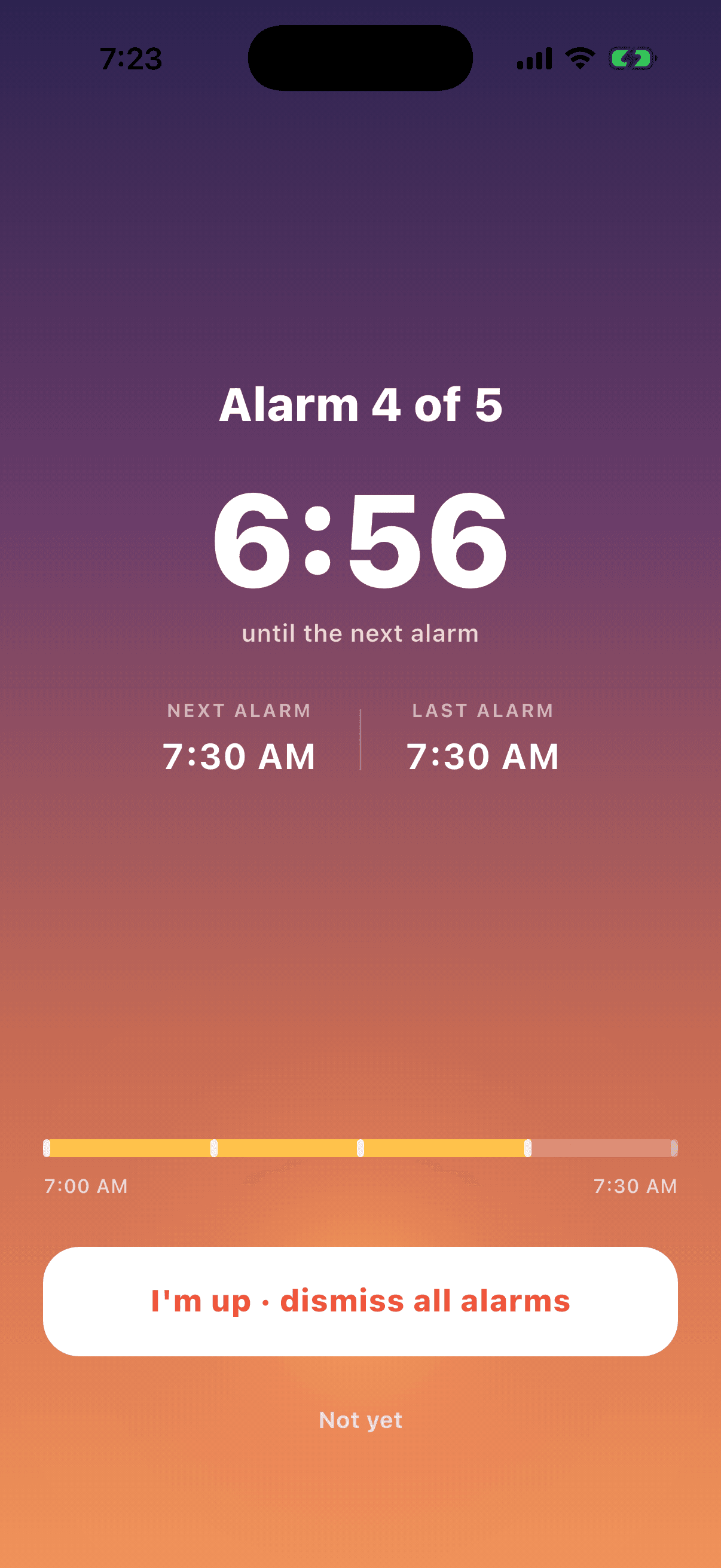
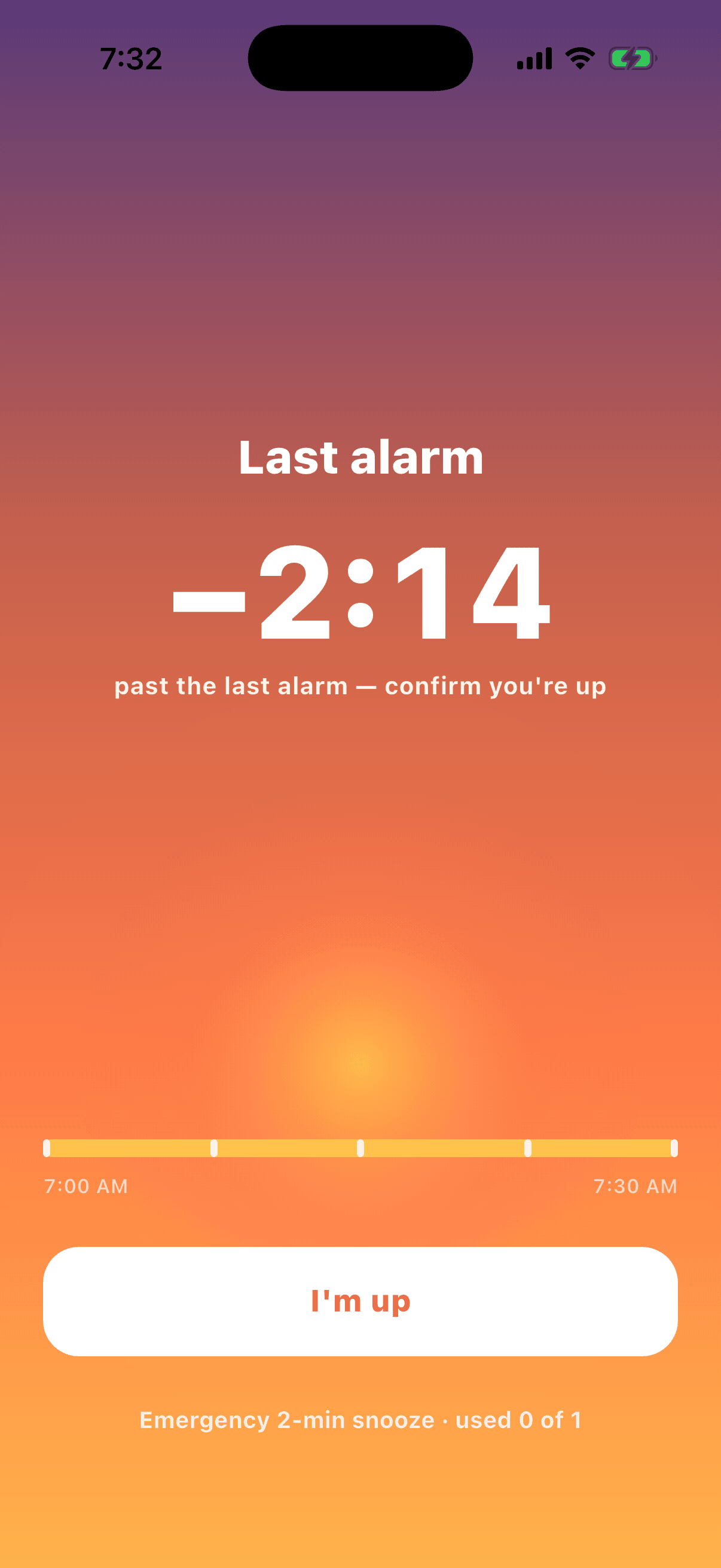
At your deadline the snooze is spent. All that’s left is a two-minute fail-safe, so a morning that goes wrong still ends with another alarm rather than silence.
Sounds
Birdsong to start drifting awake. Something with more spine for the finish. Set a different tone for each step of the ladder.
Why I built it
My mornings got a lot better when I just accepted that I love snoozing. I still get up on time, but now I get to drift awake and enjoy being half awake.
You build the plan once and reuse it, instead of setting the same pile by hand every night. And there’s no snooze-or-dismiss decision at each alarm: the whole ladder is scheduled up front, so quieting one doesn’t add another — the next is already waiting. Nothing stacks up, and by the last one the snooze is spent — bar a two-minute fail-safe.
Yes. Slowrise uses AlarmKit, Apple’s alarm system, to break through Silent and Focus modes. It rings like a real alarm, not a notification.
AlarmKit is what lets an app outside Apple’s own Clock ring through Silent and Focus, and it arrived in iOS 26. Without it Slowrise could only post a notification your phone would happily mute — so rather than ship something that quietly fails to wake you, we require the version that works.
Not yet. Android can do this too, through the system alarm clock, and it’s on the list — but iPhone comes first and we’d rather say so plainly than take your email for a date we can’t promise.
Even at the last alarm there’s a two-minute fail-safe, on the lock screen and in the app. Firm, but not cruel.
You don’t have to — quieting an early alarm is the snooze, because the next one is already scheduled at the gap you chose. Only the last alarm carries a snooze button, as a two-minute fail-safe.